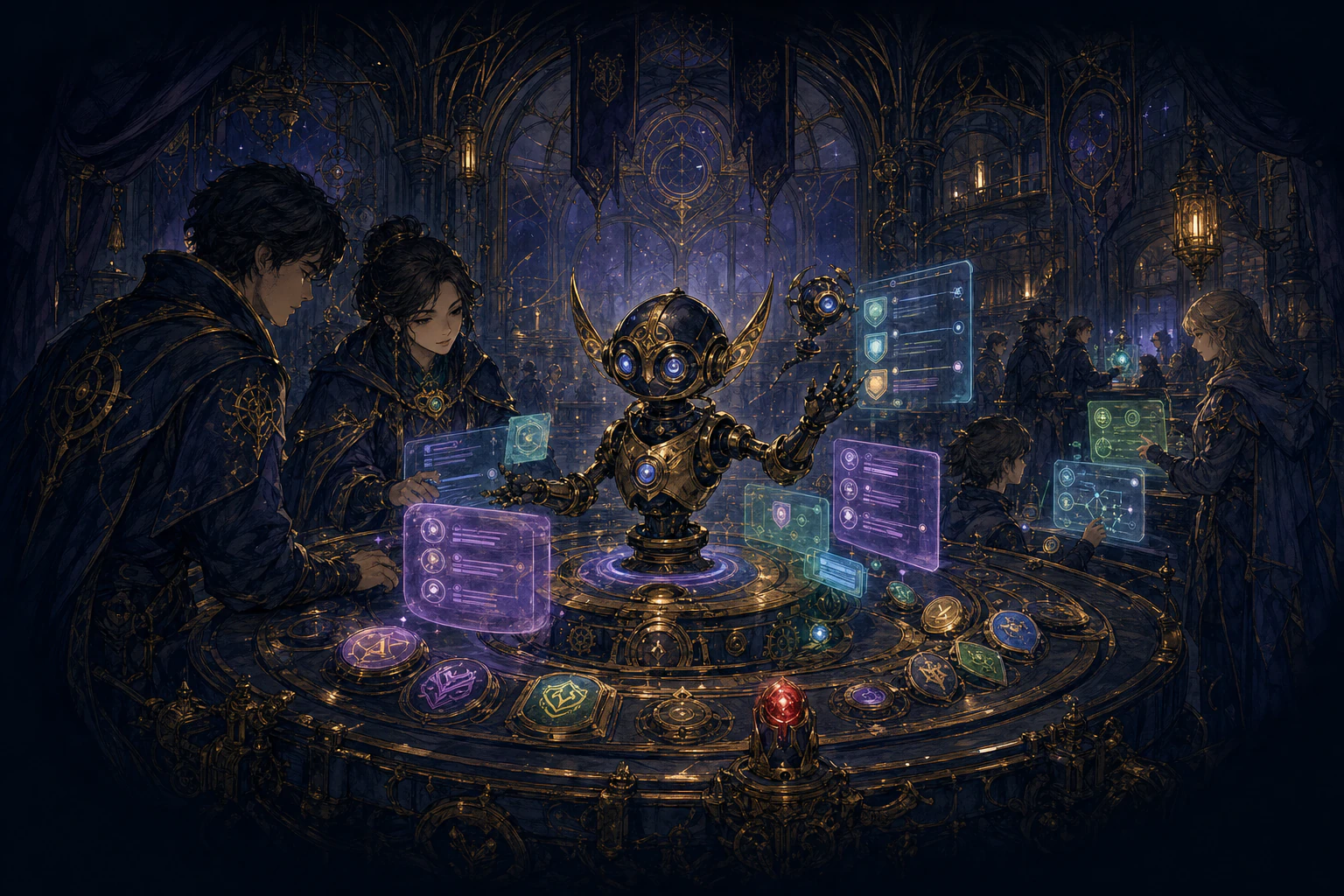
Meet the bot

Luminox organizes guild work inside Discord.

Install Luminox directly in your Discord server, choose only the functions your guild needs and publish guided controls in normal channels. Members click buttons instead of memorizing commands, while staff keep sensitive decisions reviewable.

How Luminox works

Configure once. Publish a panel. Let members click.

Luminox is not a separate dashboard your guild must learn. A panel is simply a bot message with buttons or selectors in a Discord channel. Live panels show the current state; permanent logs preserve the important decisions made by members and staff.

1 · InstallAdd Luminox to Discord and choose Universal or Community Edition.
2 · ConfigureSelect the channels, roles and limits required by one function.
3 · PublishLuminox posts a permanent panel with buttons, selectors and instructions.
4 · OperateCurrent panels refresh while permanent logs remain readable above them.

Bot functions

Choose the job you want Luminox to handle.

Every card first explains the problem, what members see and what staff controls. Its technical guide then provides the exact setup commands, permissions and daily workflow.

01

Members

Identity, progress and finding people to play with.

02

Activities

Plan, play and make progress visible.

03

Guild operations

Run economy, intelligence and member logistics.

04

Staff and administration

Protect the server and route responsibility clearly.

Which edition?

Universal runs general Discord workflows. Community understands Tibia.

Choose Universal for game-independent Events, Support, Loyalty, moderation and administration. Choose Community when your guild needs verified characters, Tibia world rules, live online data, GuildBank, Tracker, Guards or Recruitment.

  • Both editions begin with a Free plan.
  • Premium unlocks more functions, capacity, history and faster supported refresh policies.
  • Founder Edition is the unrestricted private build used inside Lumina.
Choose an editionThen choose a plan
UUniversalAny gaming guild
CCommunityTibia guilds
FFounderLumina only
Free or PremiumYour capacity

Choose the next step

Understand the product first. Configure it when ready.

Use Cases helps you choose the smallest useful starting setup. Docs gives administrators the exact commands, permissions and configuration order.